Image viewer and hover zoom.
Bellevue is an extension for Chrome, Edge and Firefox that replaces the image viewer. Zoom and pan to see every detail, hide the scrollbars for a clean view, and open images full-screen in the tab you are already in. Works on almost any site.
Also on Microsoft Edge and Firefox
Built for looking closely
Built for large images
High-res photographs, long infographics and dense diagrams open at a size you can read. Zoom with the mouse wheel, then drag to pan to any corner.

The whole screen, set your way
The viewer has no scrollbars, so the image gets the screen back. Set the background color and the size an image opens at, and every image after it follows.

Opens in the tab you are in
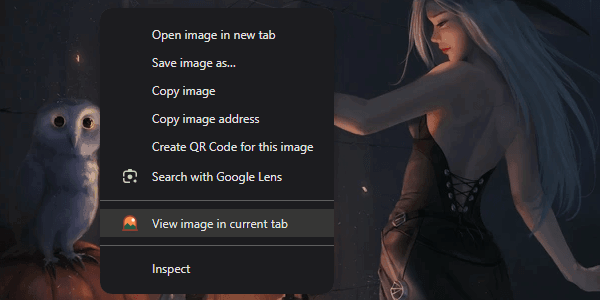
Right-click an image and choose View image in current tab, or tap Ctrl over it, and it opens in an overlay over the page you are reading. Working through a gallery does not leave twenty tabs behind.
Hover to see it full-size
Hold Alt over an image on almost any site to see it in a popup beside the cursor, or tap Ctrl to open it in the viewer. On the sites Bellevue supports, both show the original, not the thumbnail.
Photo: Giles Laurent, CC BY-SA 4.0
_Photo_by_Giles_Laurent.jpg)
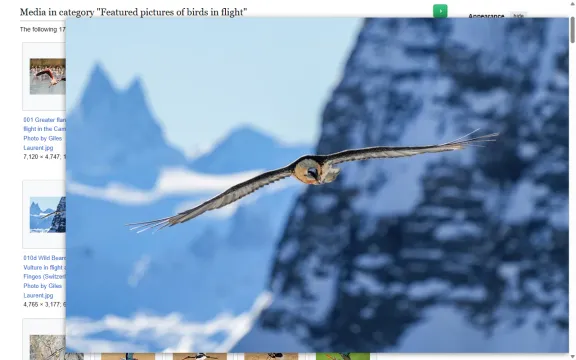
These controls work on any image you open in your browser. Read how to zoom and pan in Chrome's image viewer, or how to see full-size images on hover. The same popup shows profile pictures at full size, and the product photos behind Amazon and eBay search results.
See everything hover zoom does, or compare it with other hover-zoom extensions.
The original, with the page out of the way
Full-size and full-screen
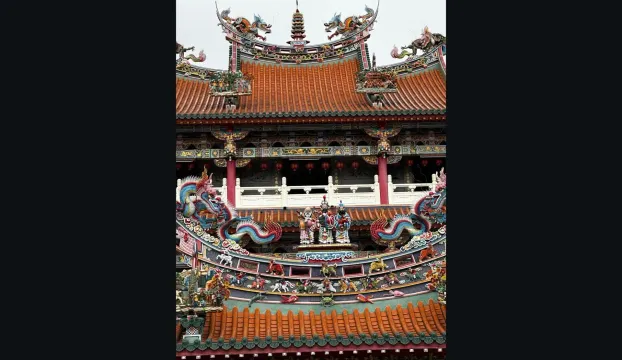
Reddit images open at their original size, without the header, the footer or the scrollbars. Galleries zoom, and banners open like any other image.
See everything Bellevue does on Reddit.
Get Reddit's originals by hand, or see what Bellevue changes. Read the guide.
The image, not the page around it
Past the continue page
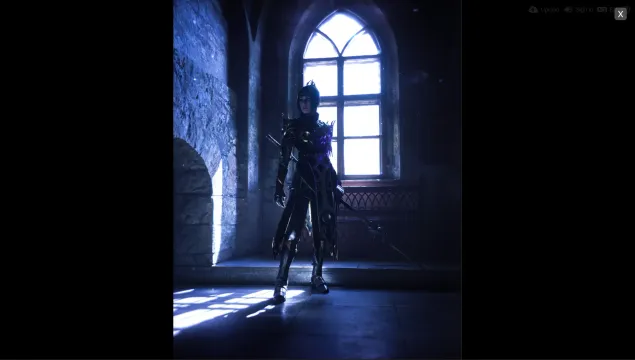
On hosts that put a continue page in front of the image, Bellevue clicks through it for you. On every supported host the image opens full-screen, as the original where the host links to it.
Get past the continue page by hand, or let Bellevue do it. Read the guide.
Bellevue in short
What is Bellevue?
A browser extension for Chrome, Edge and Firefox that replaces the browser's image viewer. An image you open gets zoom toward the cursor, drag panning and rotation, with no scrollbars, and holding Alt over a thumbnail shows the original in a popup. On Reddit, X, Pixiv, Fandom and image hosts, it puts the same viewer inside the site.
What changes when I open an image in its own tab?
It opens in Bellevue's viewer instead of the browser's. The mouse wheel zooms toward the cursor rather than in fixed steps, dragging pans, the scrollbars are gone, and the background color and the size an image opens at are yours to set. Rotation, flips and pixelated rendering are remembered for each image. The guide to Chrome's image viewer compares the two.
How is it different from Hover Zoom+ and Imagus?
Hover Zoom+ and Imagus Reborn are popups first, and Bellevue is a viewer first: Bellevue's hover zoom sets out the difference.
Which browsers does it work in?
Chrome, Microsoft Edge and Firefox, each from its own store: the Chrome Web Store, Edge Add-ons and Firefox Add-ons.
Is it free?
Yes, with every feature included and no paid version. If you agree on the page it opens after you install it, Bellevue shares the pages you visit with data partners. The privacy policy has the details.